Display Tuning
Saturation, vibrance, hue, gamma and RGB, with presets, a tone curve and a live before / after.
 v1.0.1Out now · free for everyone
Phantom Boost tunes the colors of your screen, stretches your resolution, draws a clean crosshair and adds smooth HUDs on top of your game. All in one light Windows app. 100% free.
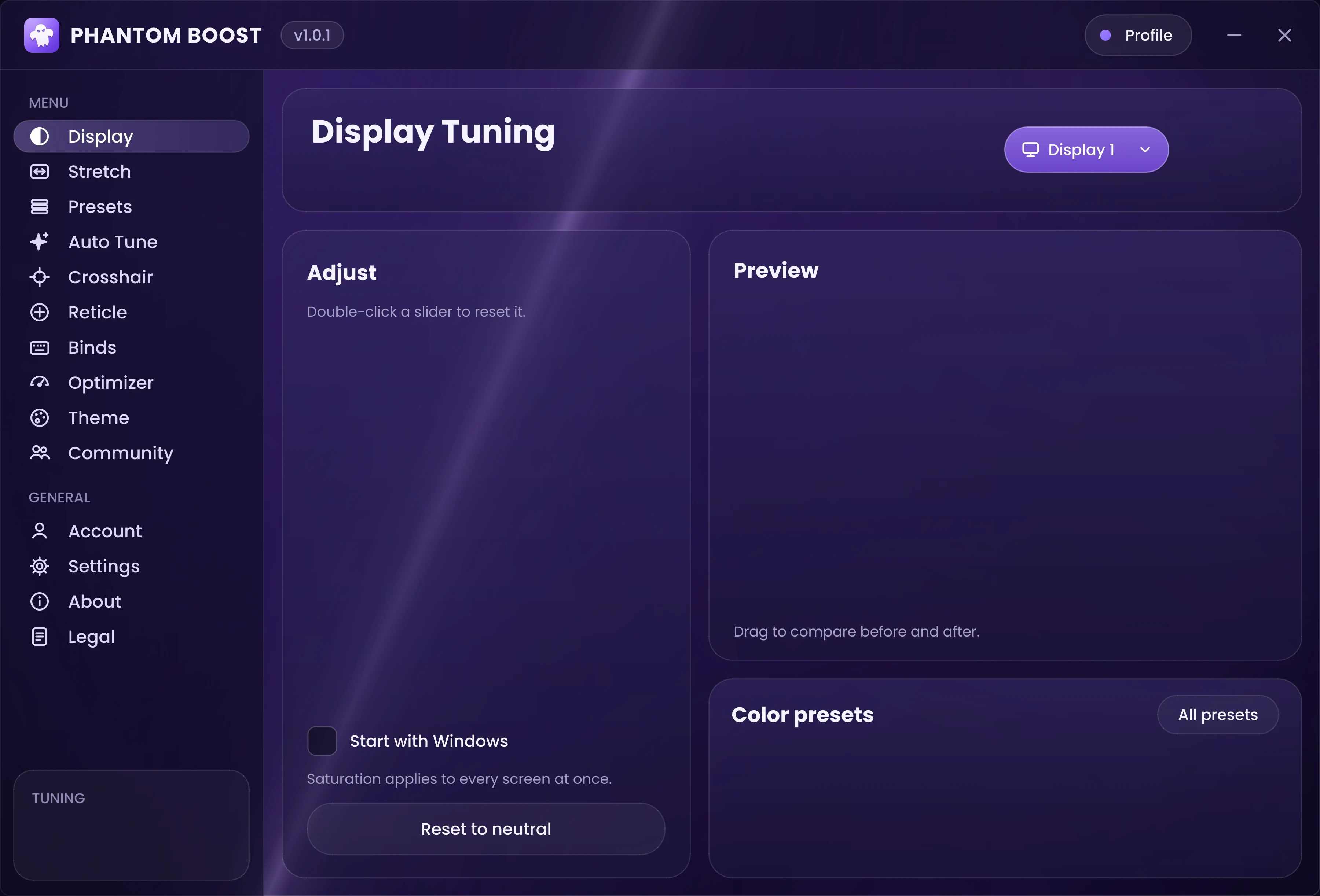
This is the real interface. Click the menu, move the sliders, pick a preset.
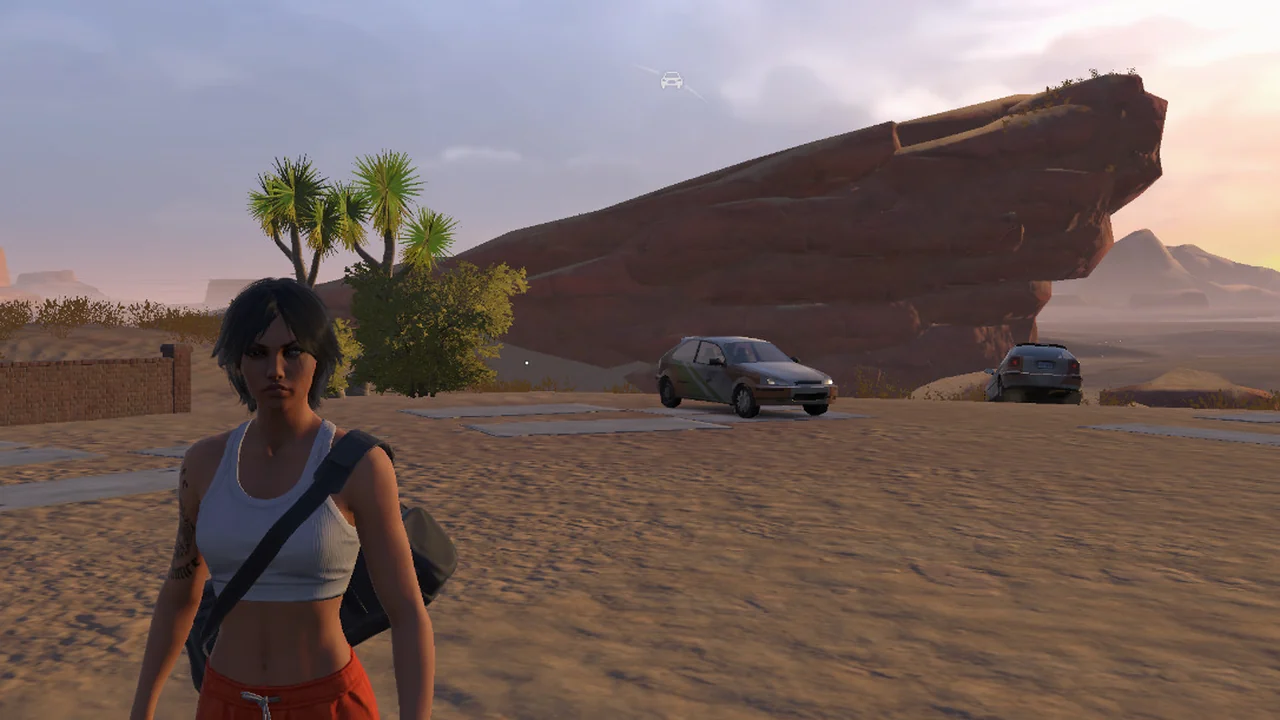
Move the line to compare, pick a preset or play with the sliders. In the app, the same settings apply to your whole screen, in every game.
 BEFOREAFTER
This web preview is an approximation. The app also has vibrance, gamma, RGB, a tone curve and settings for each screen.
No more five tools running at the same time. Phantom Boost does it all from one clean window.
Saturation, vibrance, hue, gamma and RGB, with presets, a tone curve and a live before / after.
1440×1080, 1280×960 and more. Auto stretch turns on with your game and goes back when you alt-tab.
10 designs, any color, size, gap and outline. Share yours with a short code.
CPU, GPU, RAM, ping, FPS graph, keystrokes and Apple Music with synced lyrics. Drag and resize them.
Windows tweaks for games, with a full backup and one-click undo.
Smooth animations, backgrounds, hotkeys, Discord status, several screens and auto-updates.
Pick a resolution, keep it if you like it. Phantom Boost goes back to normal by itself when you close it, even if something crashes.
1920 × 1080 · nativeThe app draws it on top of every game, on the screen you choose. Try a few styles below.
Clean overlays that stay on top of your game. Clicks go through them, and you can place each one anywhere.
Live CPU, GPU, RAM and ping, plus an FPS graph.
The song you're playing, with synced lyrics.
Show your inputs live. Every key can be changed.
Phantom Boost is free for everyone. Download it, install it in a few seconds, and new versions install by themselves.
Get PhantomBoost-Setup.exe. It's always the latest version.
Open it. It installs in a few seconds, with a Start menu and desktop shortcut. No admin rights needed.
Pick a preset, set your crosshair, launch your game. Updates come by themselves.
Yes. Phantom Boost is free, with no trial, no account and no paid version.
No. Phantom Boost doesn't modify or inject anything into your games. Colors use Windows display settings, the crosshair and HUDs are separate windows on top of the game, and stretch uses the normal Windows resolution change. Check the rules of the games you play if you're unsure about overlays.
Phantom Boost checks for a new version when it starts and every few hours. It downloads it in the background, checks the file, and installs it the next time it starts, in a few seconds. Your settings stay as they are. You can turn this off in Settings.
Windows 10 and Windows 11, 64-bit.
Turn tuning off in the app, or press its hotkey. Closing Phantom Boost also puts your colors and resolution back. Stretch is undone by itself even if the app crashes.
Windows Settings → Apps → Phantom Boost → Uninstall. Your screen goes back to normal and "Start with Windows" is removed.